2013 Audi S8 US Pricing

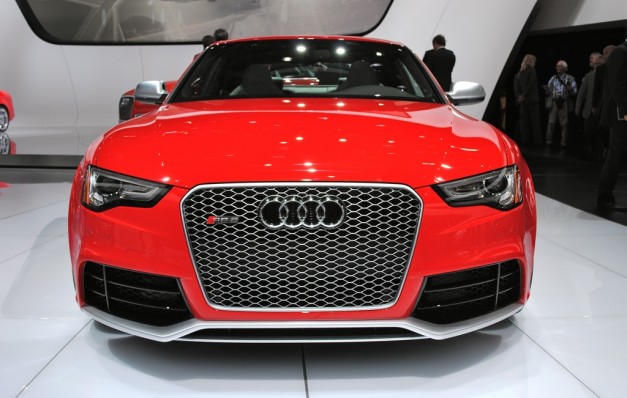
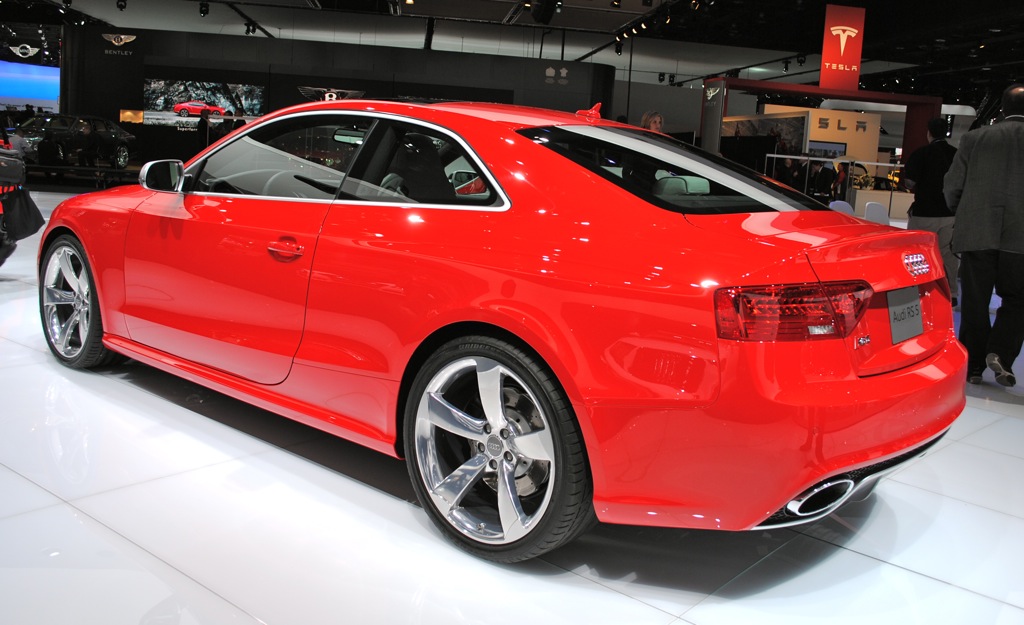
pricing for the 2013 S and RS range of vehicles. We’ve already covered the RS5 coupe, S6 sedan, as well as the S7 four-door coupe and it is not time to move upmarket to the S8 saloon.
This uses the same twin-turbo V8 engine as the S6 and S7, but in a totally different state of tune, one that allows it to deliver 520 hp and 650 Nm (479 lb-ft) of torque.
The engine is mated to an eight-speed automatic transmission and sends its power to the road via Audi’s quattro AWD system, sending the large sedan past the 62 mph mark in 4.2 seconds. As for the top speed, this is electronically limited to 155 mph (250 km/h).